
Use case · Progress
Know where the work is at without endless phone calls.
Teams document what is finished, in progress or blocked, directly on site. You see the progress of each job without spending the morning on the phone.

The problem
Knowing where a job is at shouldn’t take three phone calls.
The information exists: on a worker’s phone, in a message, in the team leader’s head. To gather it, you have to call, chase, wait.
On-site scene · fictitious example
Tuesday, 5 pm. The client asks whether the bathroom will be ready on Friday. The site manager calls the team leader, who calls the tiler back. An hour later, she has an answer, but no photo.
The consequences
- Calls to get information that already exists.
- Clients waiting for an answer.
- Delays spotted too late.
The KWALTOR journey
From the job to the progress update, with less chasing.
You show, KWALTOR prepares, you check, and what follows stays linked to its origin.
1Show
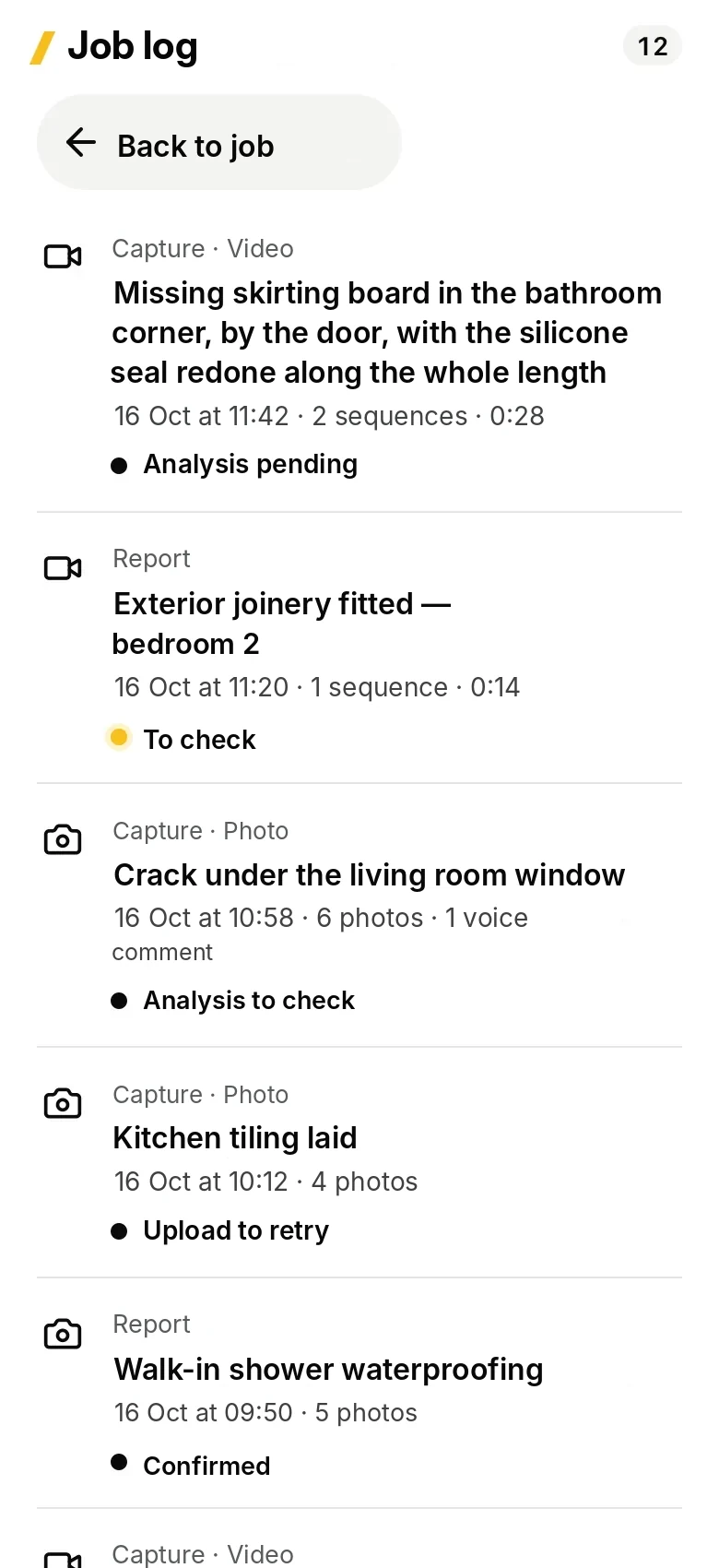
The team films or photographs the completed stage and comments on it on site.
2KWALTOR prepares
The capture is attached to the job; a progress update is prepared, to be checked.
3Check
The team leader confirms: finished, in progress or blocked, and why.
4Follow up
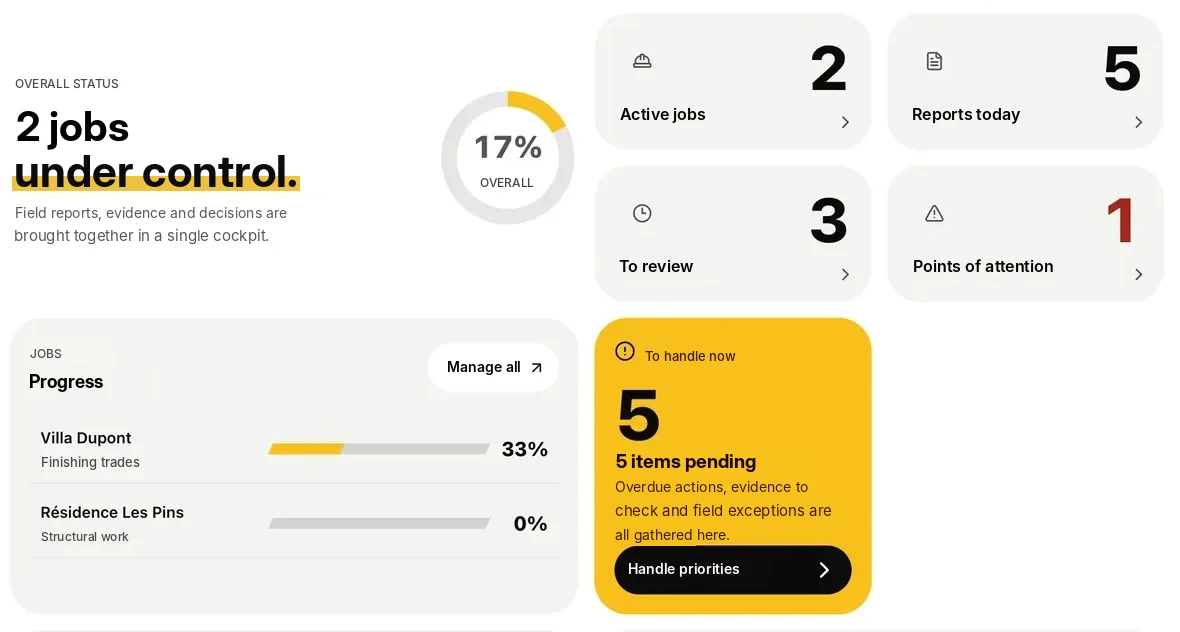
In the office, Kontrol shows the progress and the blocking points of each job.
The result
Visible progress, without chasing information.
- Every stage dated, with its photos.
- Blocking points spotted earlier.
- An answer to the client backed by facts.
The proof, in the app
Other use cases
Book a demo
Know where your jobs are at, with less chasing.
We show you how your teams document progress and how you find it in the office.
- A documented progress update, then found in the office.
- Blocking points, spotted earlier.
- No commitment.