Observations and surprises
Show the problem the moment you see it.
The video and your explanations stay attached to the problem until it is resolved.
Issues and snags
For tradespeople and field teams
KWALTOR helps you document your jobs, find your information and organise what comes next, without spending your evenings piecing everything back together.

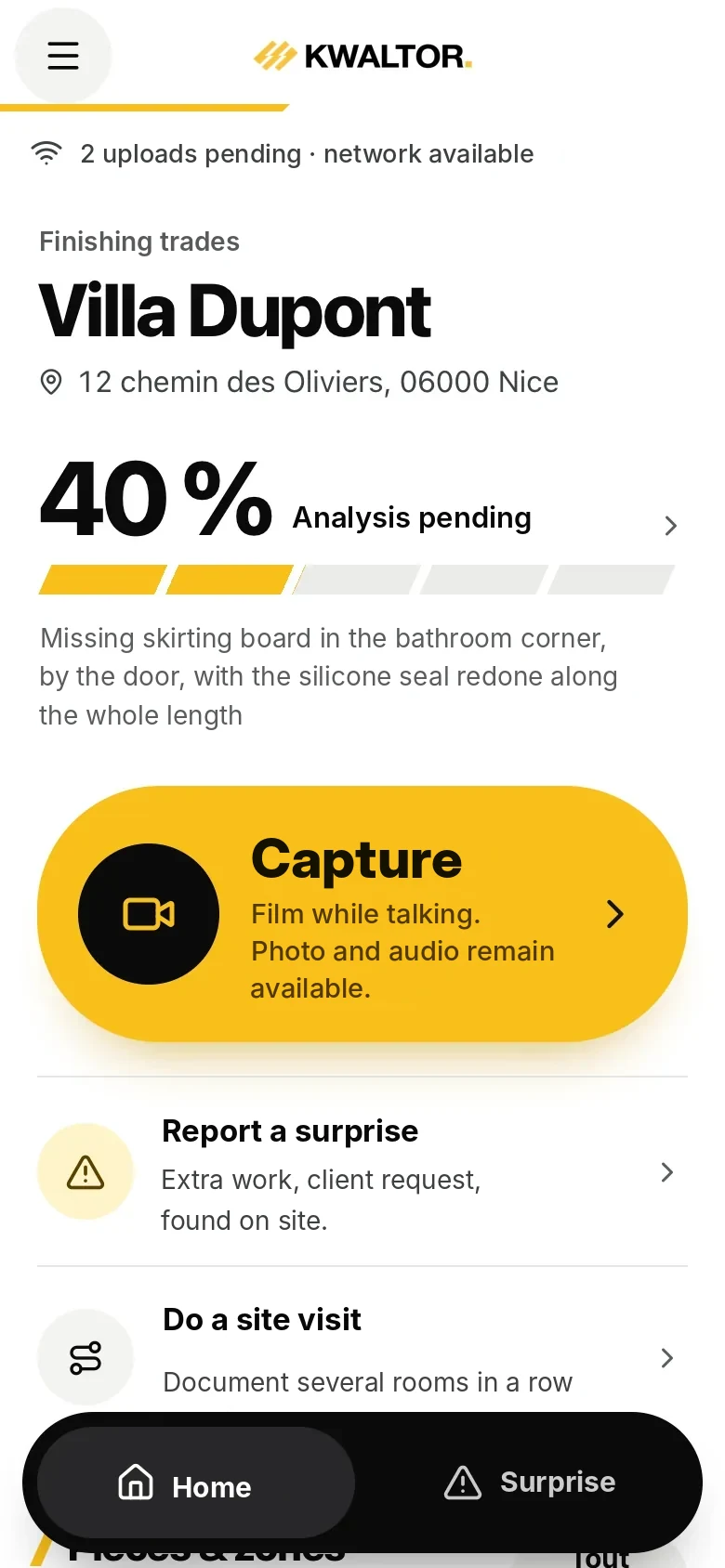
App captureKwaltor Field · test data
Your daily life
You handle clients, work, surprises and purchases. In the evening, there are still photos to sort, a report to write and things to send. Everything you have already seen, said and done during the day.
What piles up after the job
None of this moves the job forward. All of it takes time.
A day with KWALTOR
Fictitious example of a renovation day, with Field in your pocket.
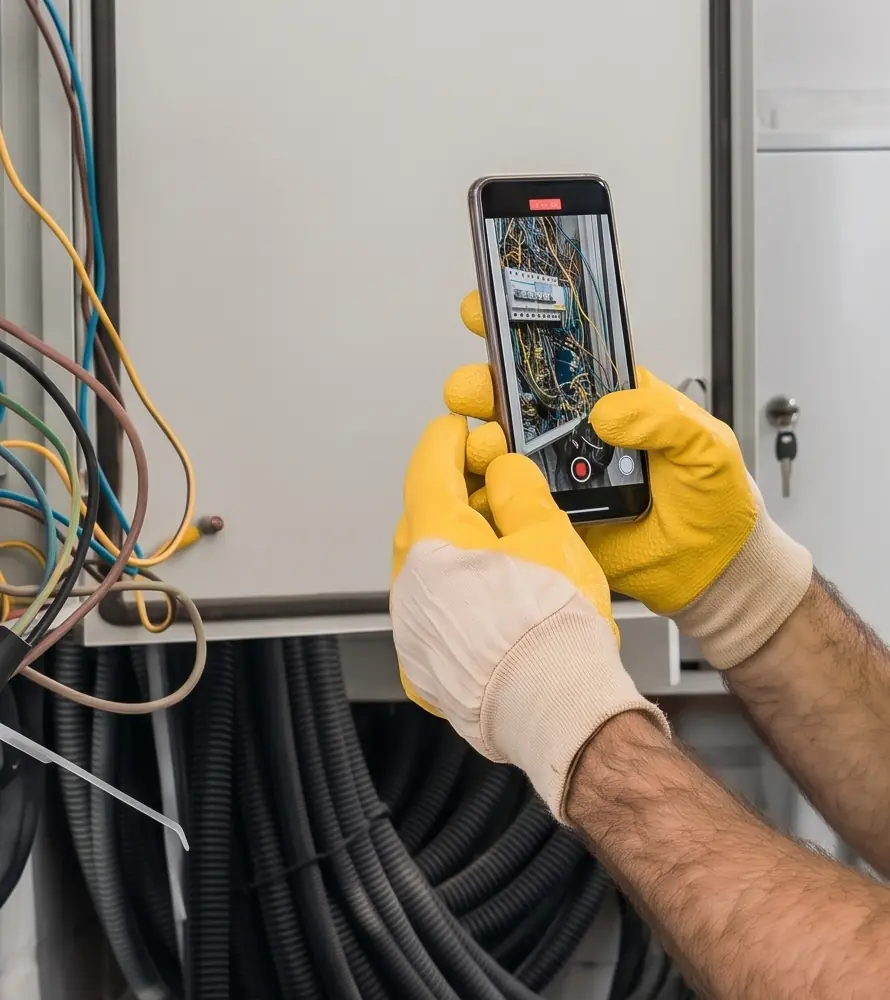
8 am · Arrival
You film the existing state before starting work.
One video with your commentary is enough. It is attached to the job. AI-generated photo.
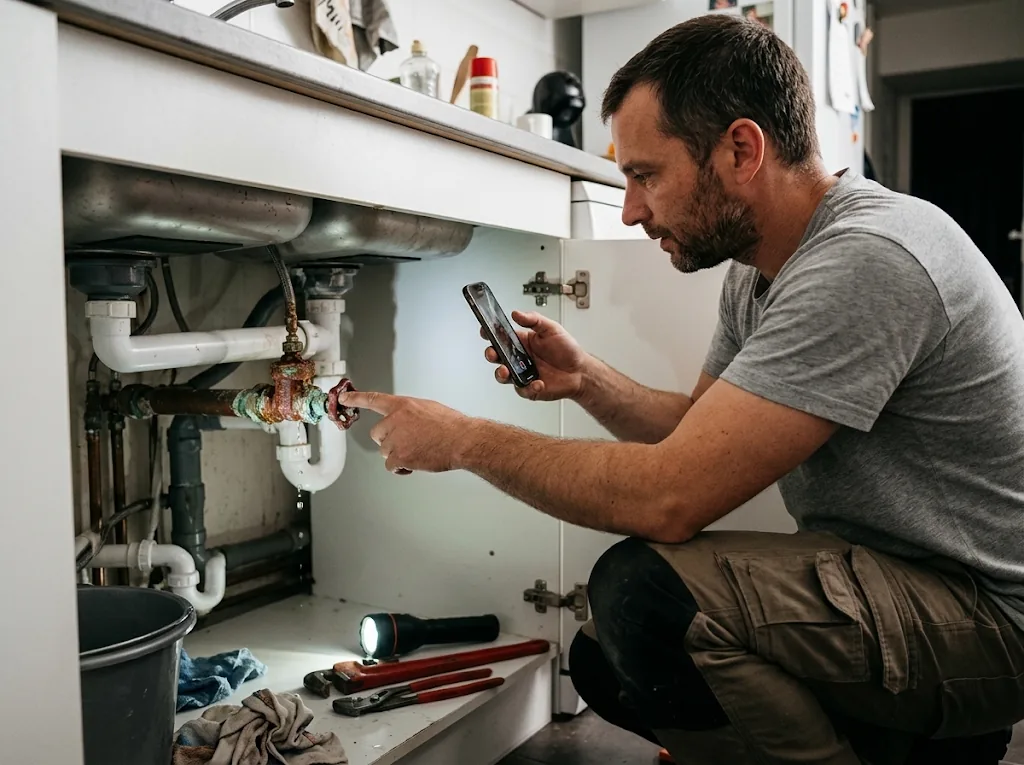
11 am · The surprise
You show and explain what you discover.
The finding is made on the spot, in your own words, while everything is in front of you.

4 pm · End of the job
You review what KWALTOR has prepared.
You correct it if needed, then confirm the report.
6 pm · The evening
The essentials are ready to review.
The report is confirmed, and the quote for the surprise is ready to review.
KWALTOR Field
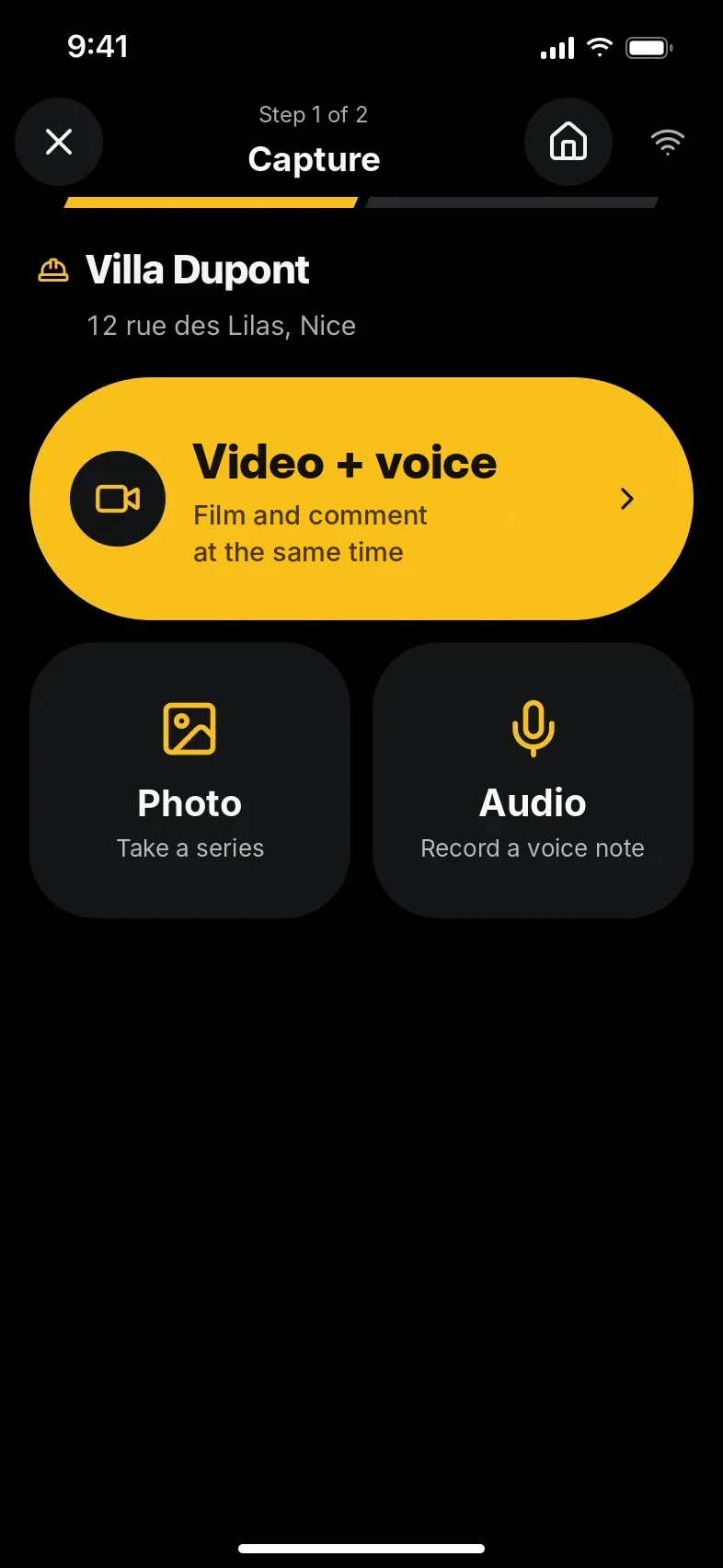
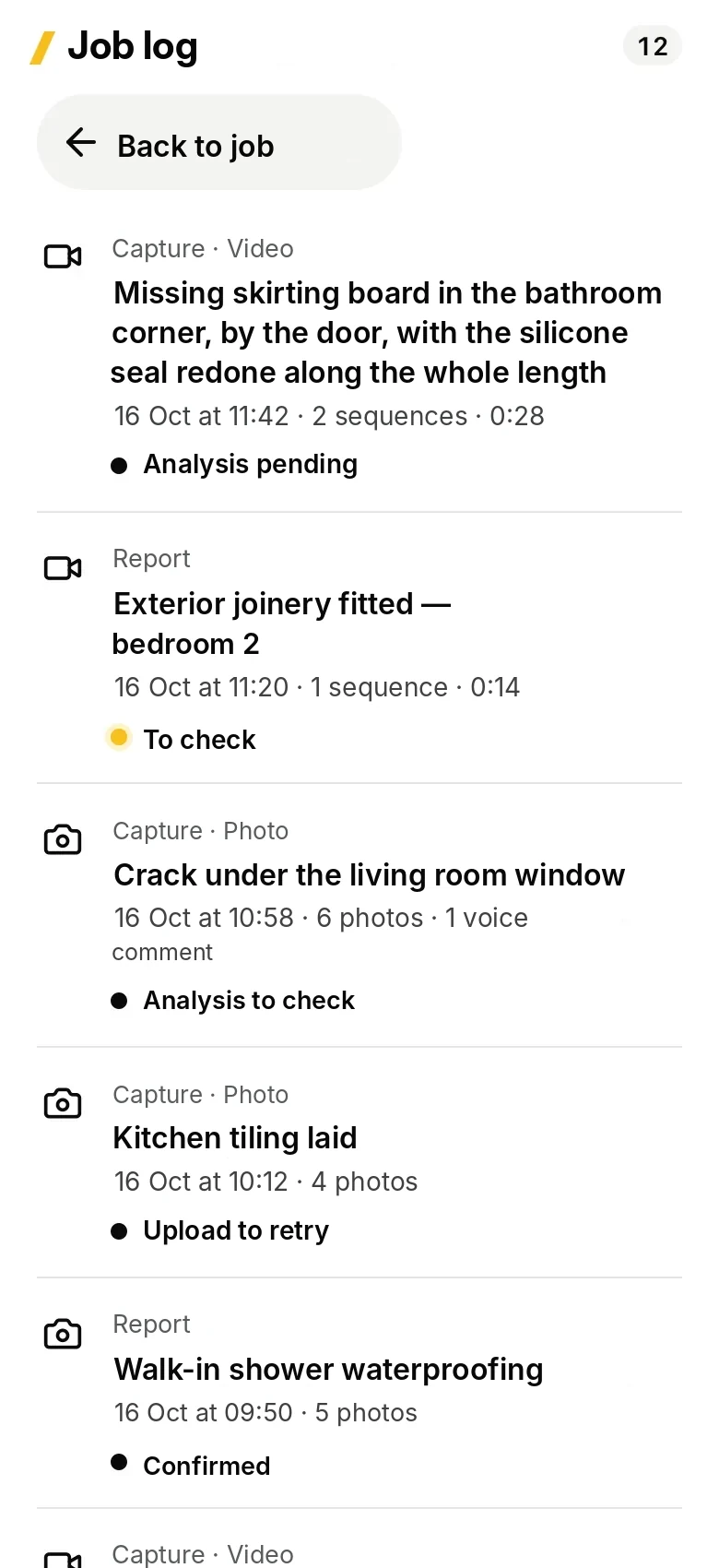
App capturesKwaltor Field · test data
Surprises and what follows
What you find on site also serves the next steps: the quote, the client’s approval, the invoice.
Observations and surprises
The video and your explanations stay attached to the problem until it is resolved.
Issues and snagsExtra work
The quote is prepared from the finding and your approved rates; the client’s approval is recorded separately.
Extra workSales and admin
Expenses, deposits and completed work stay linked to the job and to the situation that explains them.
Expenses and depositsYou stay in control
KWALTOR prepares, you check. Every suggested item can be corrected or removed, and you are the one who confirms before anything is shared or sent.
How KWALTOR prepares your information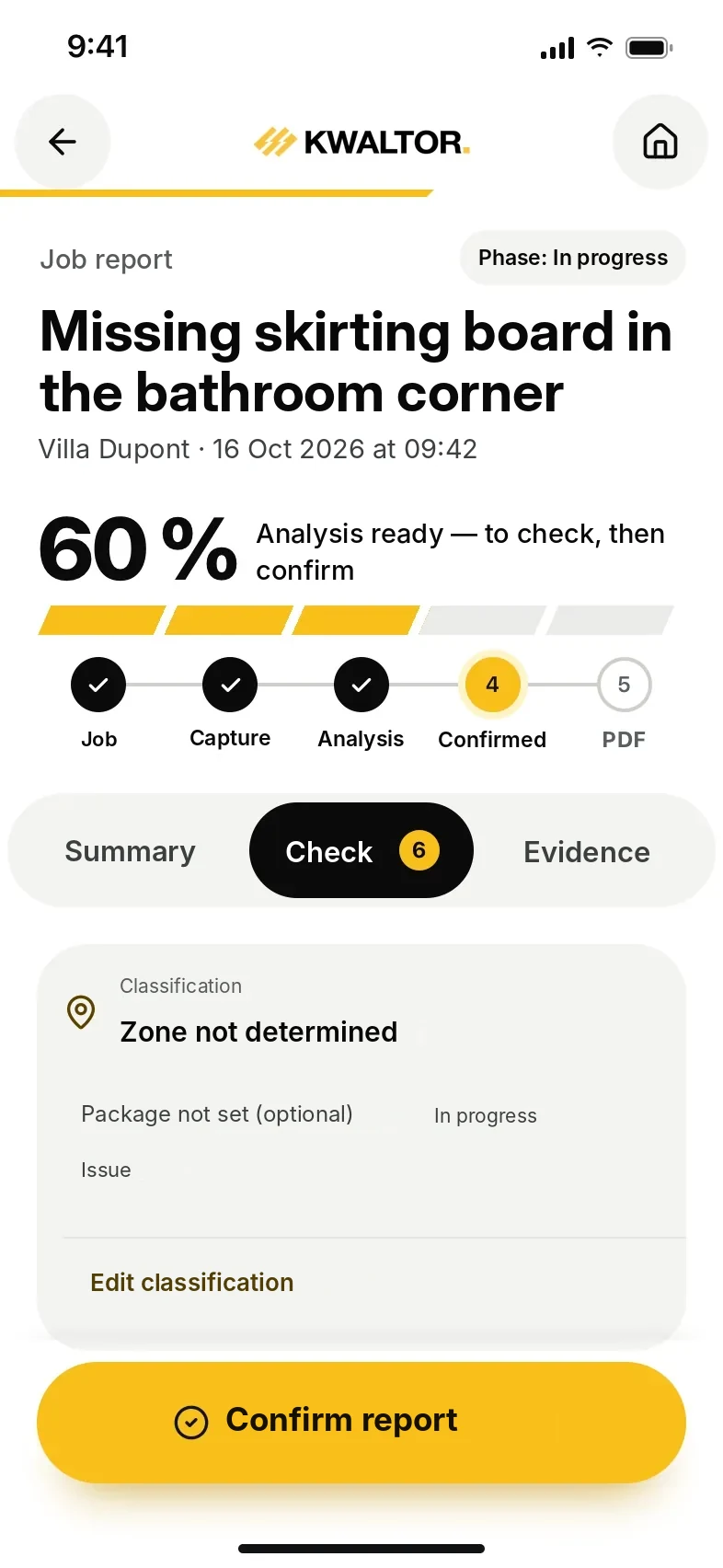
The demo
Book a demo
We show you KWALTOR on a situation from your trade, from the phone to the invoice.