
How it works
One observation on site. A follow-up that’s easier to organise.
Follow a complete example: a worn hose found under a washbasin in a bathroom. Seven steps, from the finding to the invoice, and at each one, what KWALTOR keeps for you.
- 1You show the problemRecorded
- 2KWALTOR prepares the reportTo check
- 3You check and correctChecked
- 4You decide what to doDecided
- 5KWALTOR prepares the quoteTo approve
- 6The client accepts, you do the workAccepted, done
- 7You prepare the invoiceTo invoice
The journey, step by step
A problem on site? Don’t lose track of what comes next.
You find a worn hose under a washbasin. See how KWALTOR helps you follow this problem all the way to the invoice.
Fictitious example: a plumbing job in a bathroom.
Step 1 of 7 — You show the problem
You film what’s wrong.
You find a worn hose under the washbasin. You film it and explain the problem in your own words. KWALTOR keeps the images and your explanations with the right job.
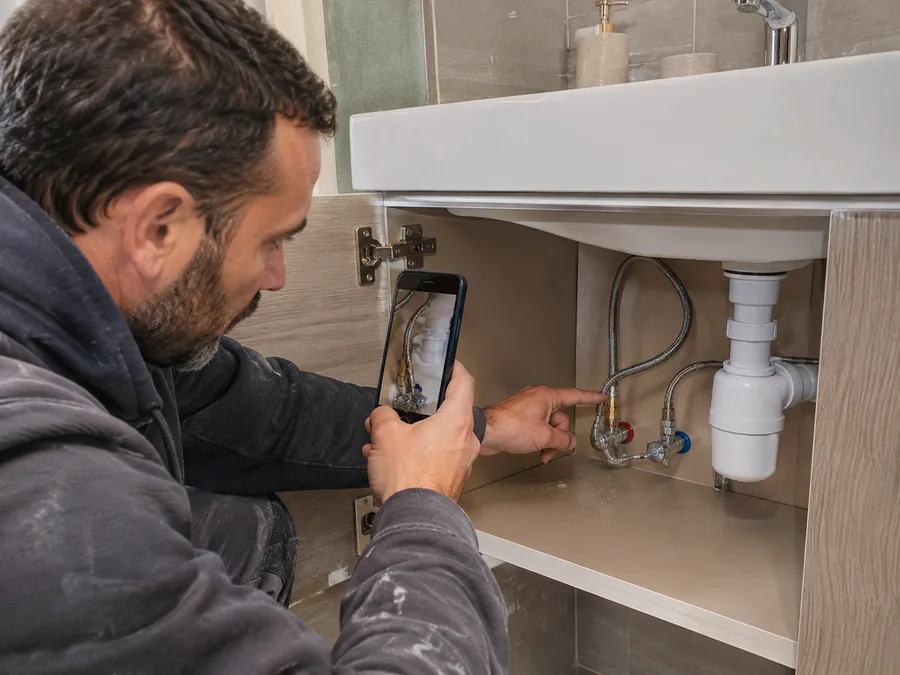
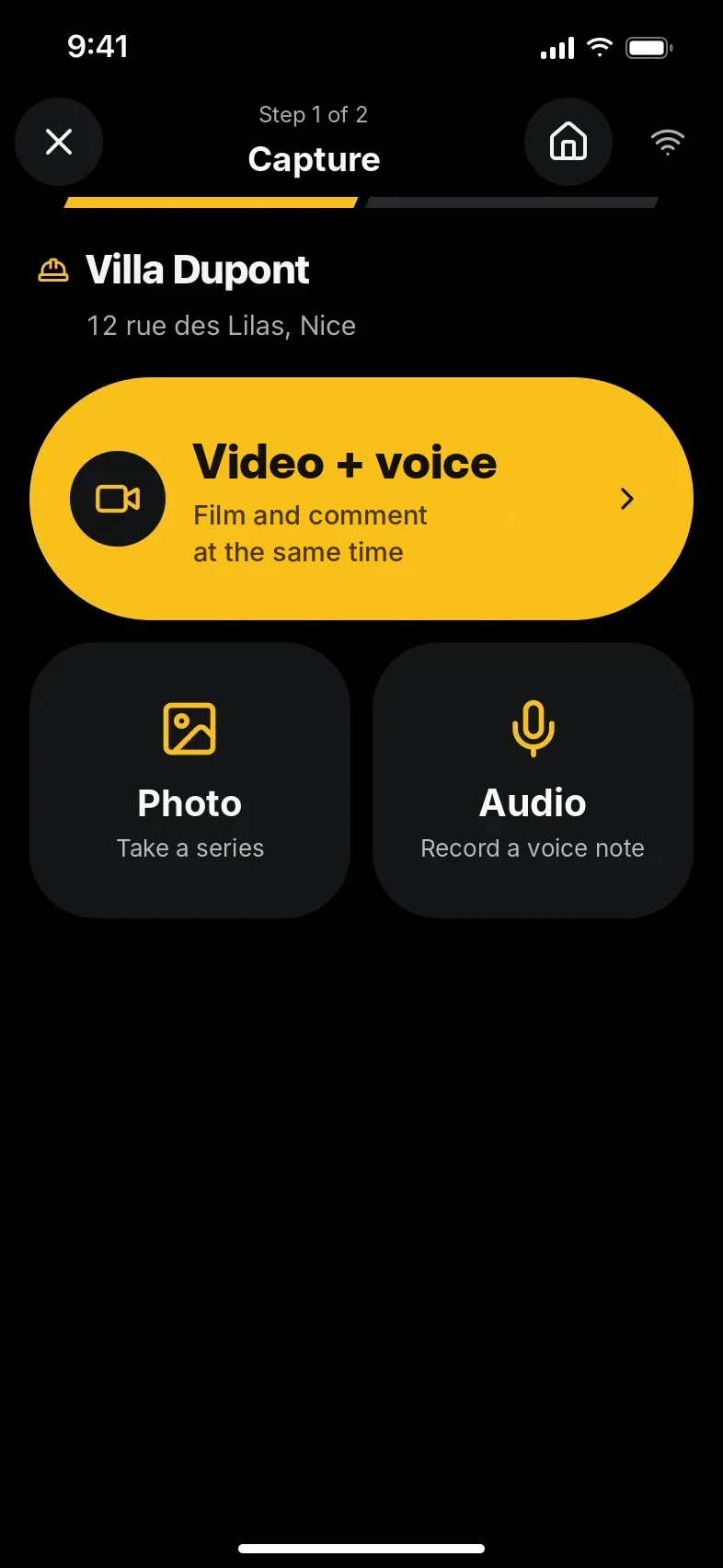
Step detailsStatus: Recorded
- What KWALTOR keeps
- A video, two photos and where the problem is.
- Who checks?
- You, before confirming the report.
- And then?
- KWALTOR prepares your report.
Learn more about this step
You can show a problem straight away, without writing everything down. The images stay attached to this observation and will be used at every following step.
Step 2 of 7 — KWALTOR prepares the report
Your report is ready to check.
KWALTOR prepares a report with your video and photos. It sets out what it understood and shows you what still needs checking. Nothing is confirmed without you.
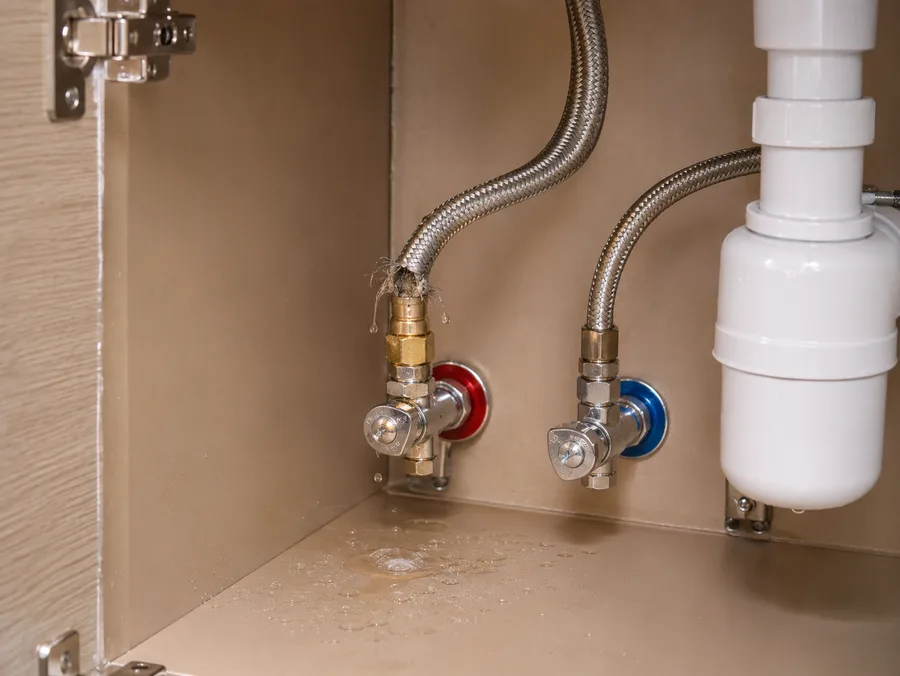
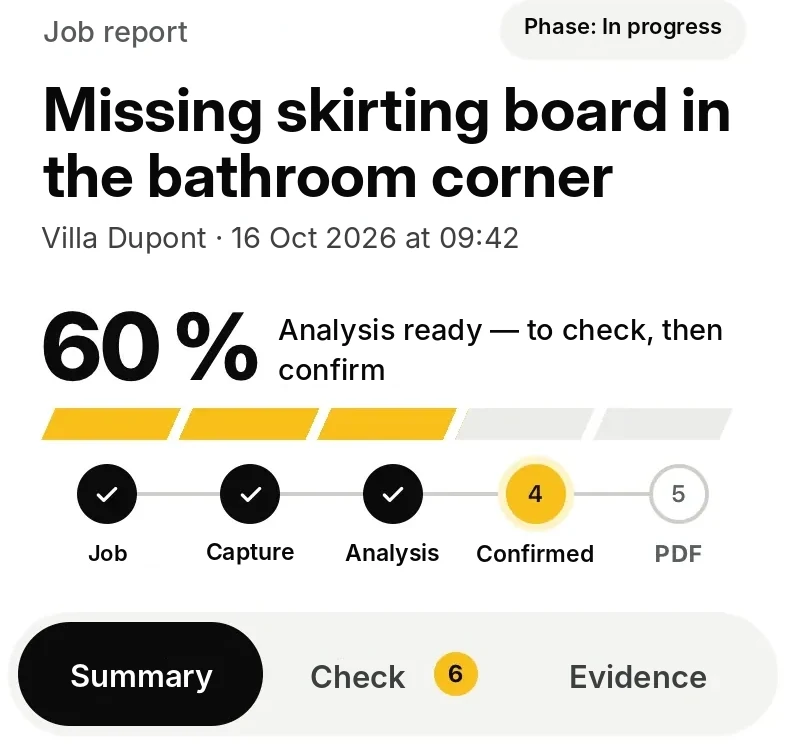
Step detailsStatus: To check
- What KWALTOR prepares
- A first draft of the report, linked to your images.
- What still needs checking
- Is the worn hose on the hot or the cold water?
- And then?
- You review and fill in what’s missing.
Learn more about this step
KWALTOR prepares the write-up. Whatever it could not establish stays displayed as a question, not as a fact. You have the final say.
Step 3 of 7 — You check and correct
You review, then you confirm.
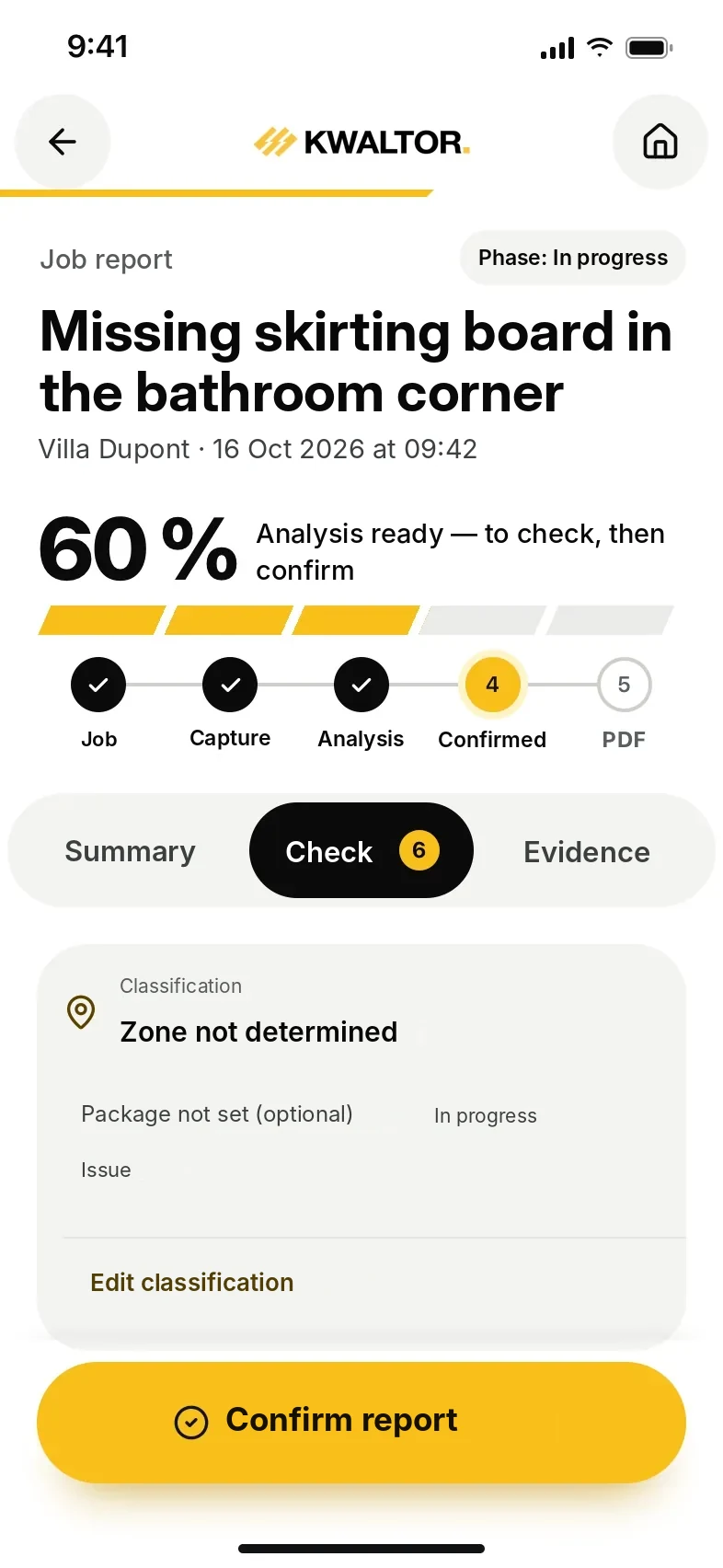
You specify that it is the hot water hose. You correct the report if needed, then confirm it. The photos stay with your observation.
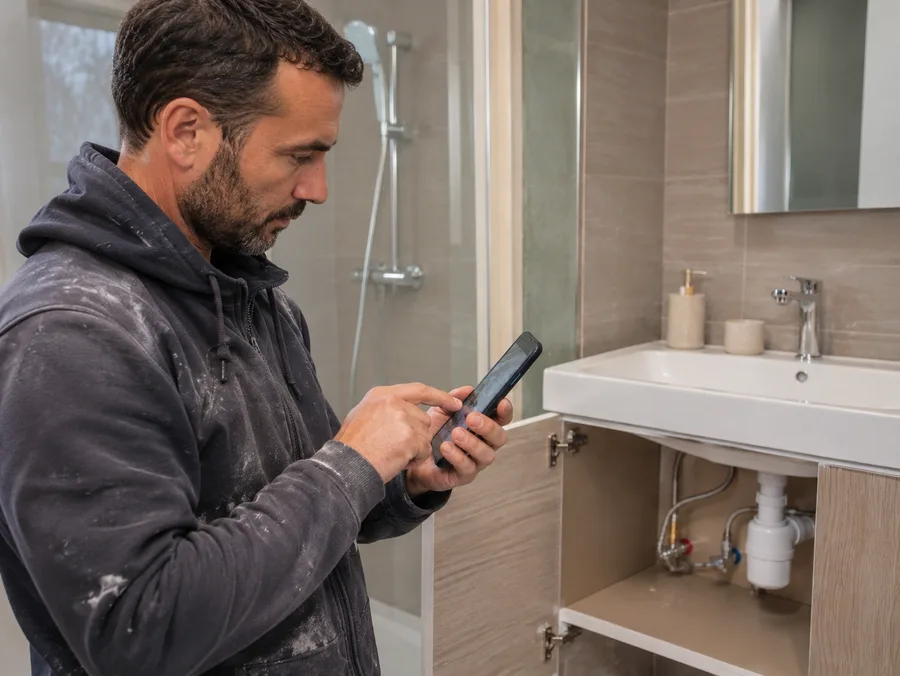
Step detailsStatus: Checked
- What KWALTOR keeps
- The confirmed report and the original images.
- What you confirm
- The worn hose is on the hot water.
- And then?
- You choose the work to propose.
Learn more about this step
You are the one who provides the missing detail. What you confirm remains your observation, with its original images.
Step 4 of 7 — You decide what to do
You decide what work to propose.
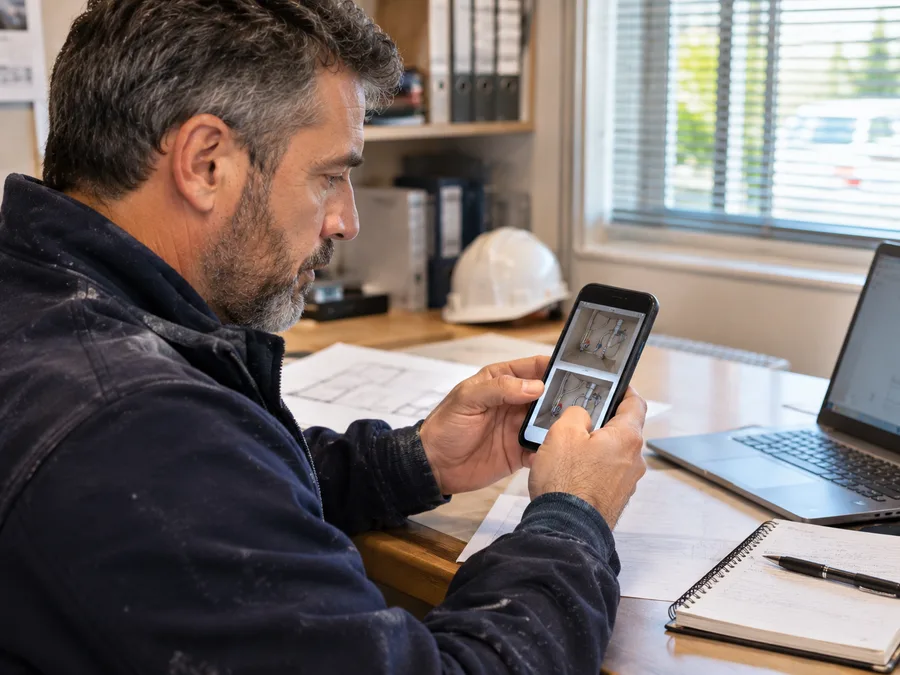
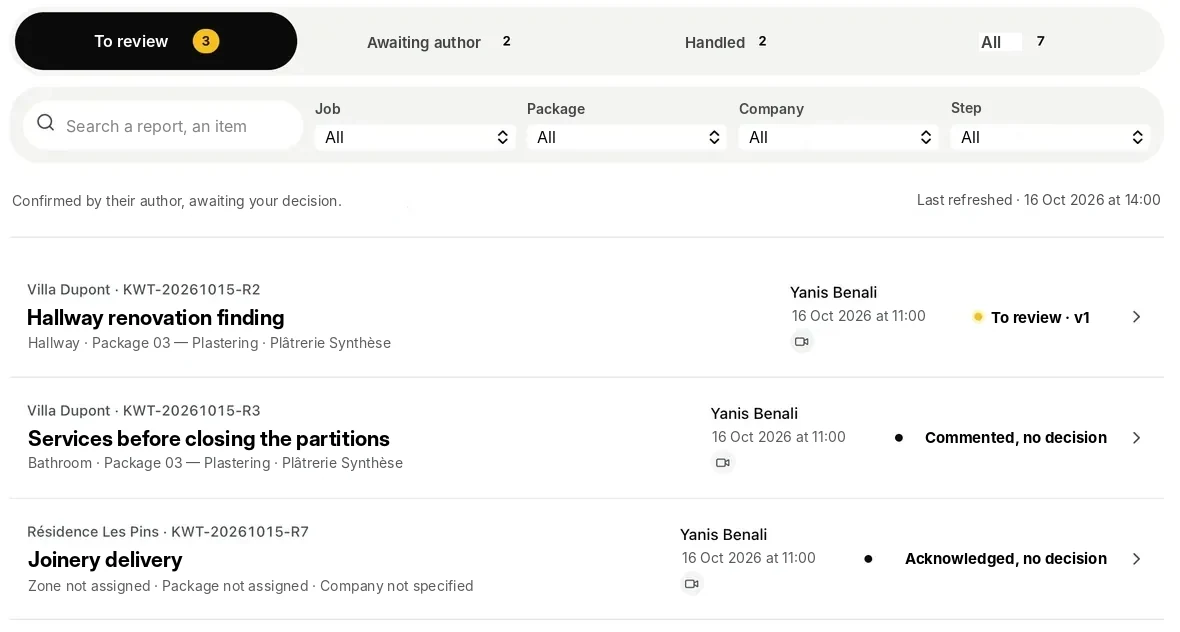
After checking the problem, you decide to propose replacing the worn hose. If you work in a team, your manager can make this decision. KWALTOR keeps a record of it.
Step detailsStatus: Decided
- What KWALTOR keeps
- The proposed work and the person who made the decision.
- Who decides?
- You or your manager, depending on how you are organised.
- And then?
- KWALTOR prepares the quote for approval.
Learn more about this step
Deciding to propose work is not the same as getting the client’s approval: the approval comes later, on the quote.
Step 5 of 7 — KWALTOR prepares the quote
The quote is ready to review.
KWALTOR prepares the quote with the planned work and the rates you have approved. You check the price and the content before sending it to the client.

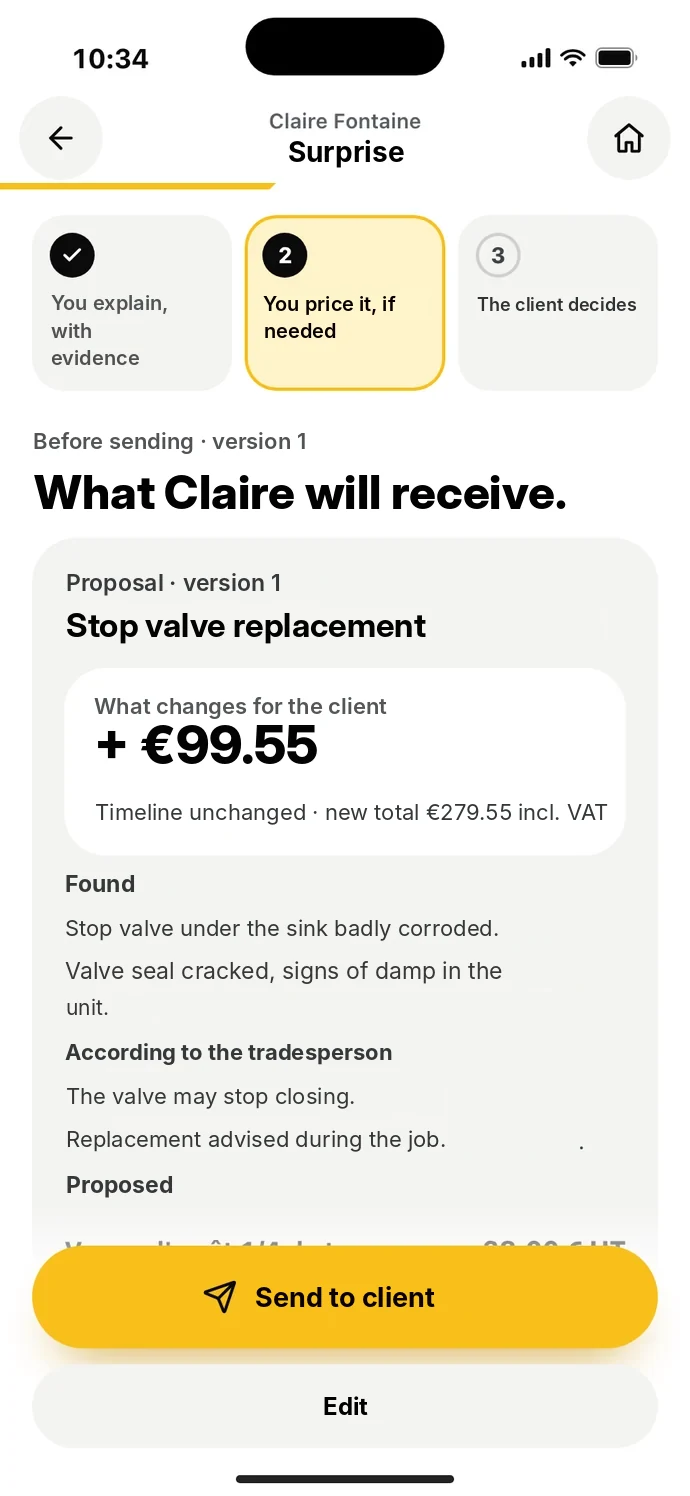
Step detailsStatus: To approve
- What KWALTOR prepares
- A quote linked to the original problem.
- What you check
- The planned work, the quantities and the prices.
- And then?
- You send the quote to the client.
Learn more about this step
Prices come from your rates: KWALTOR does not make them up. A prepared quote is not a sent quote, and a sent quote is not an accepted quote.
Step 6 of 7 — The client accepts, you do the work
The client accepts. You do the work.
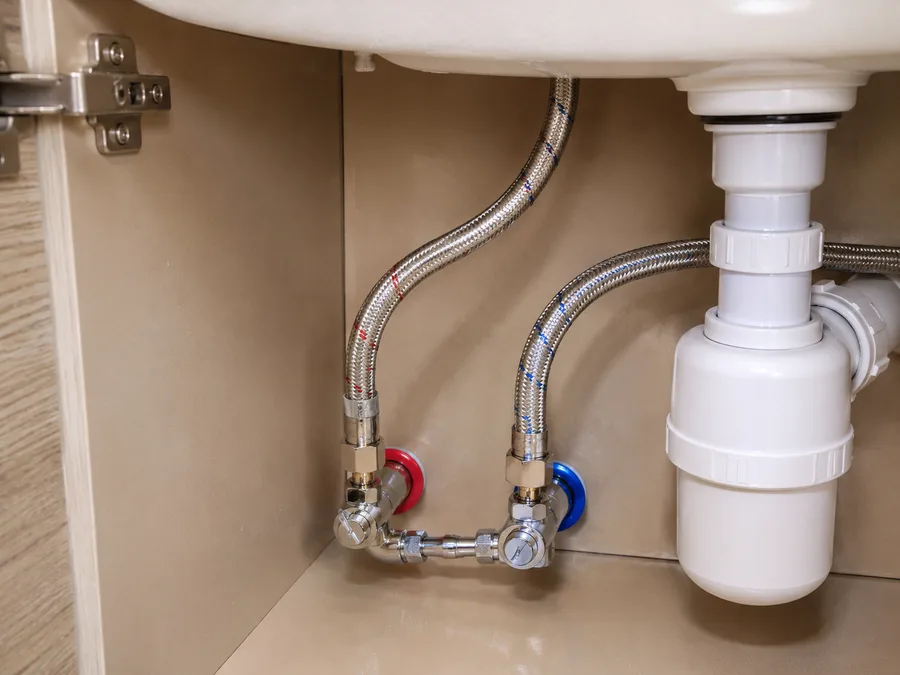
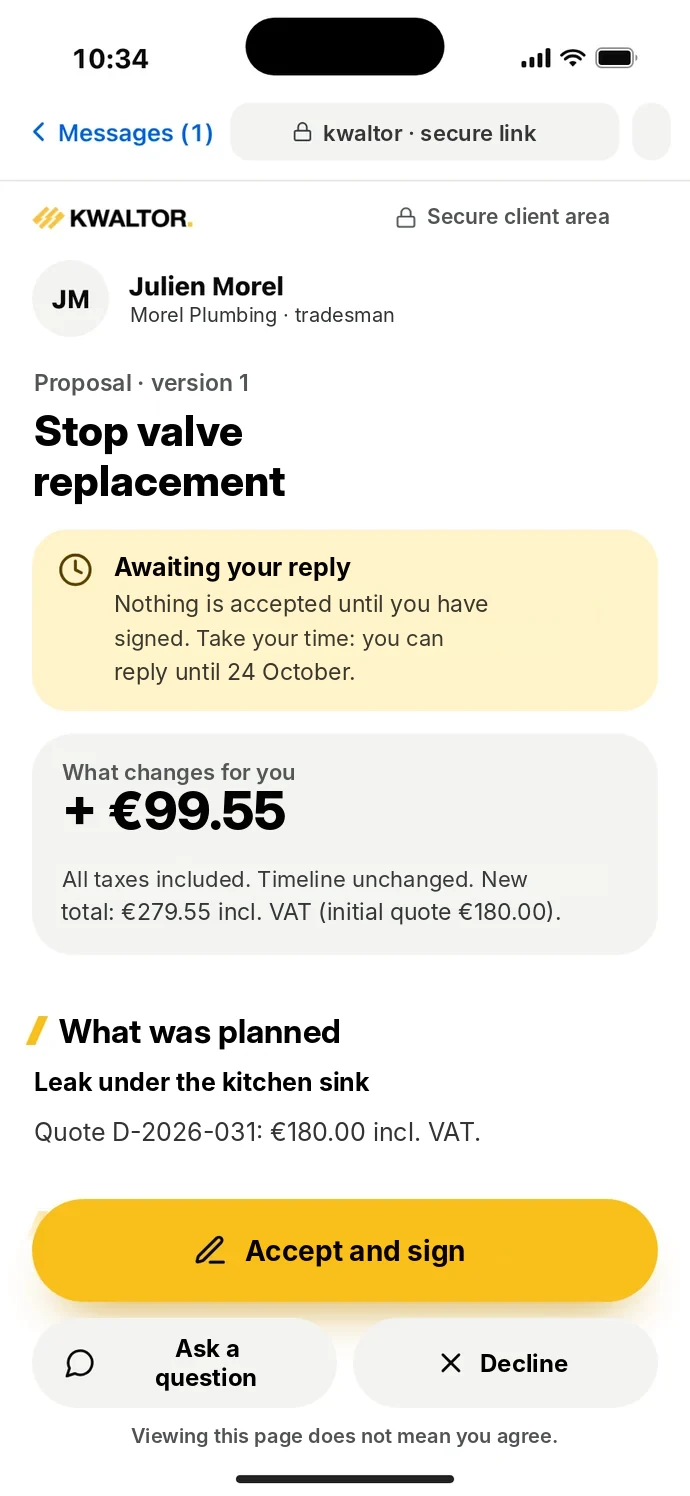
The client receives your quote and approves it. You then replace the hose and take a photo of the finished work. KWALTOR keeps a record of the approval and of the job.
Step detailsStatus: Quote acceptedWork done
- The client’s approval
- Recorded separately from sending the quote.
- The work done
- The hose is replaced and photographed.
- And then?
- You prepare the invoice.
Learn more about this step
Sent, viewed, accepted, done: four separate states. An approval doesn’t prove the work has been done. In this demo, sending and approval are simulated.
Step 7 of 7 — You prepare the invoice
Find everything that needs invoicing.
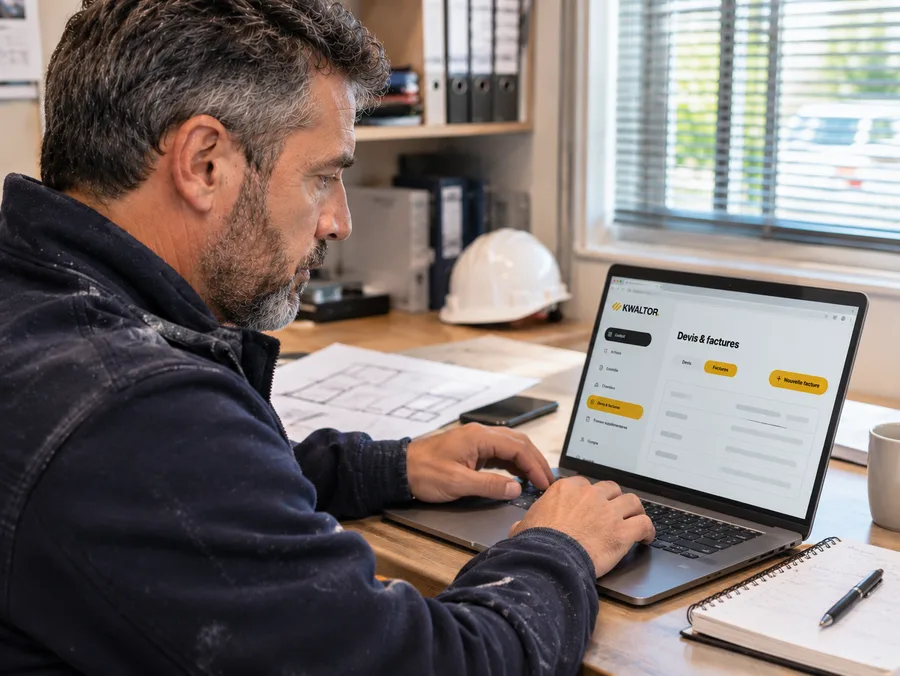
KWALTOR brings together the accepted quote, the completed work and the photos. You check what needs invoicing, without having to dig through all the job information.
Step detailsStatus: To invoice
- What KWALTOR keeps
- The work carried out, the client’s approval and the supporting documents.
- What you check
- The services and amounts to invoice.
- The result
- The invoice can be prepared from the information already gathered.
Learn more about this step
Nothing is sent or collected automatically: you prepare the invoice, check it, then send it yourself.
Demo photos in production.
Who does what
KWALTOR prepares. People decide.
At every step, responsibility stays where it belongs.
The tradesperson
Shows, explains, checks.
They film the situation, correct what KWALTOR has prepared and confirm the facts that are theirs to confirm.
KWALTOR
Organises and prepares.
It structures the observations, prepares the report and the quote, and keeps the link between the steps.
The manager
Decides what comes next.
They find the situation in Kontrol, approve the job and follow up on what results from it.
The client
Understands, then accepts.
They see what was found and proposed; their approval is recorded separately from the sending.
In the app
The same actions, in Field and Kontrol.
The captures shown here come from the app, with test data. They show another example, a missing skirting board, but the same journey: capture, check, confirm, find.
Book a demo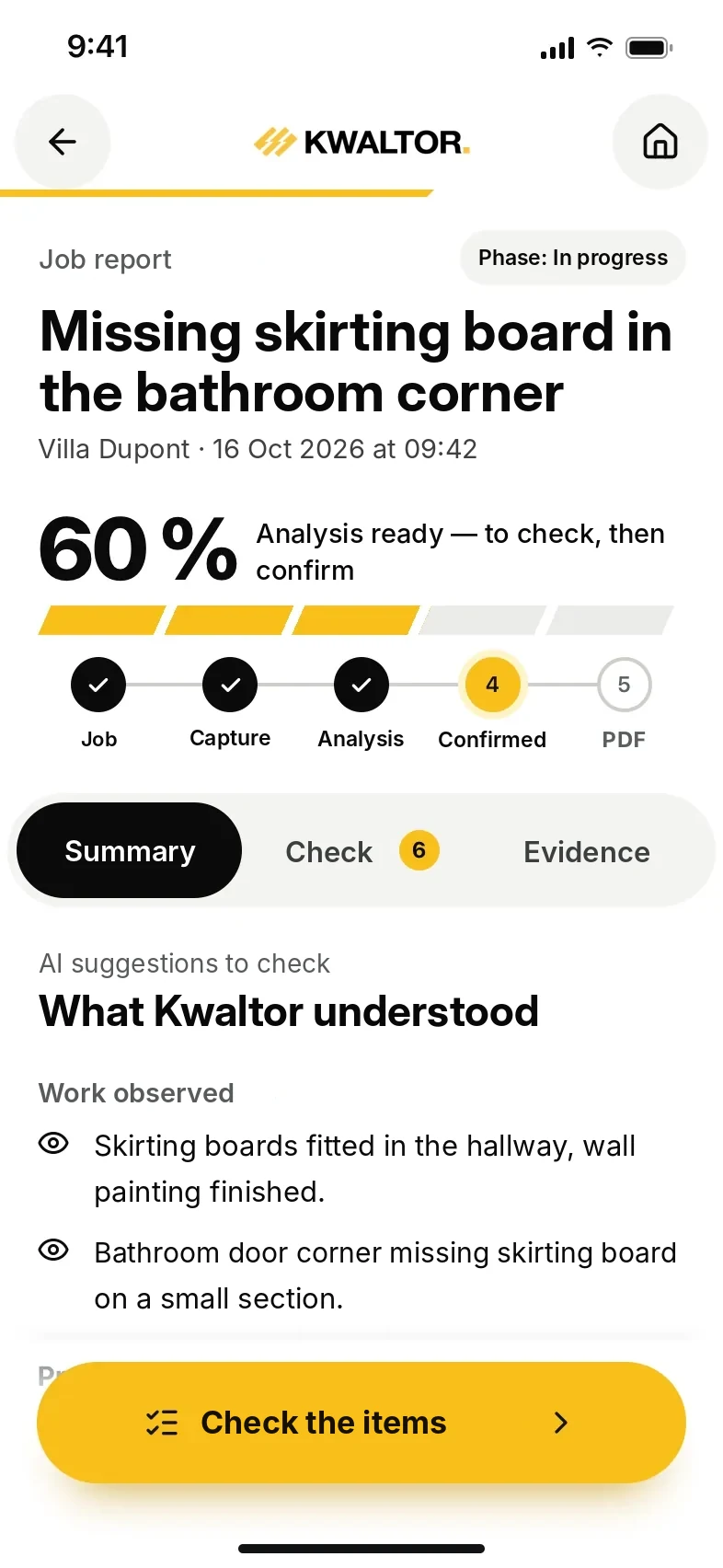
App capturesKwaltor Field · test data
Book a demo
Let’s look at this journey for your business.
We go through these steps on a situation from your trade, with Field and Kontrol.
- The seven steps, on a case from your trade.
- What is a capture, a demo or an illustrated step.
- No commitment.