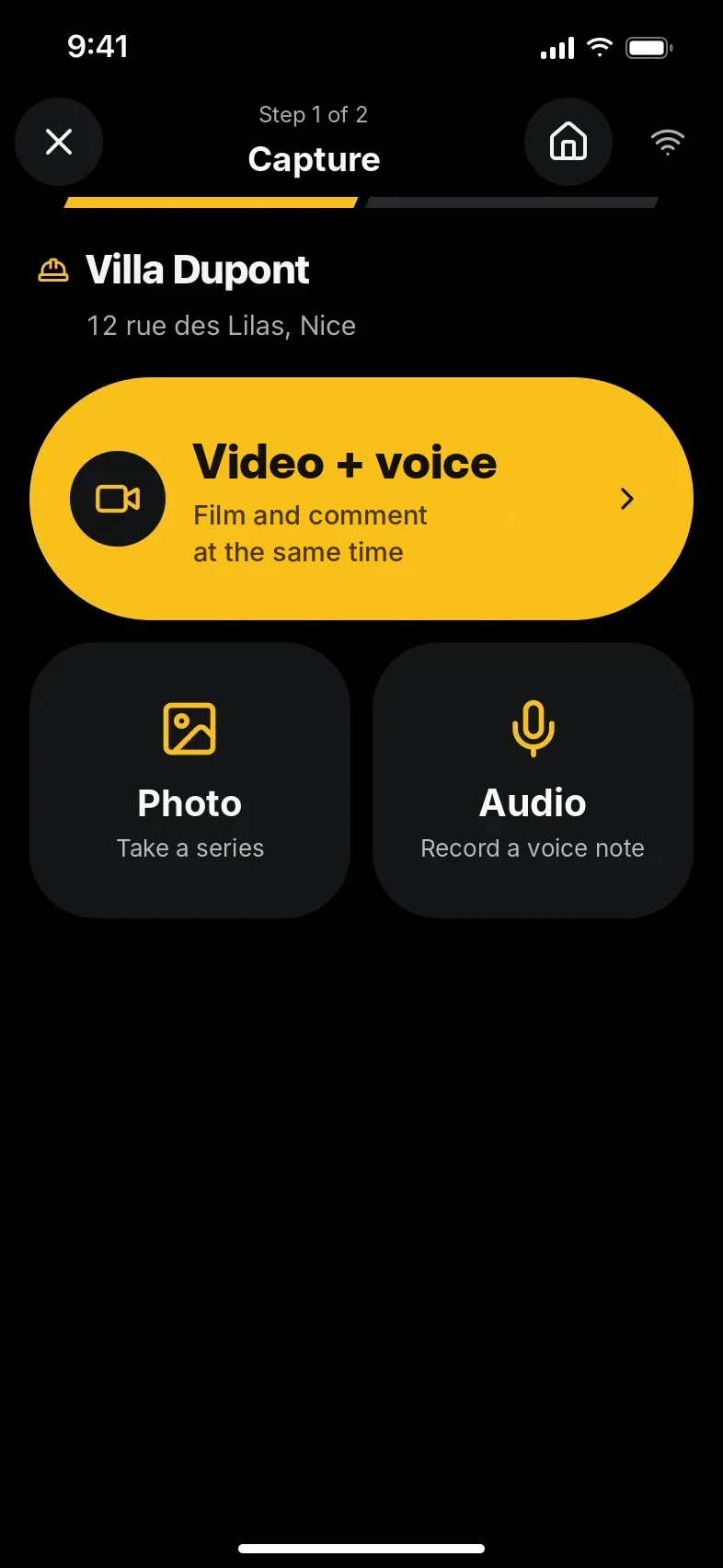
KWALTOR Field
You show. You explain. KWALTOR takes care of the rest.
Film, take photos or talk. Progress, surprises, extra work: document what happens on your jobs, without spending your day filling in forms.
Discover Field
Job tracking software for construction pros
Film and explain your jobs. KWALTOR prepares your reports and helps you track surprises, extra work and what follows, all the way to the invoice.

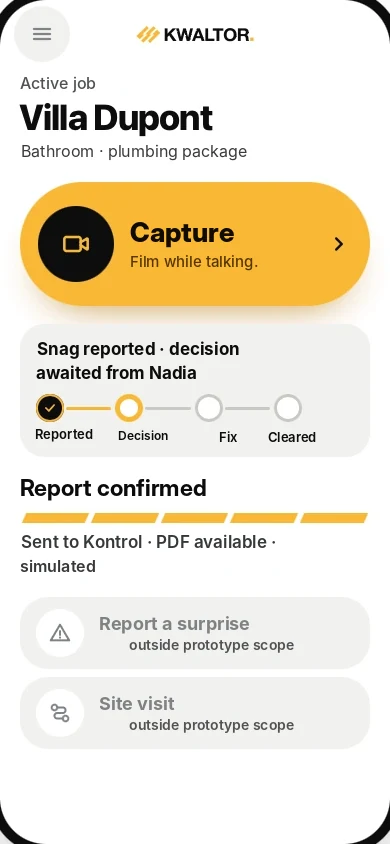
The solution
In the field, you capture what matters. Behind the scenes, KWALTOR organises the information and prepares what comes next. In Kontrol, you run your jobs and your business.
KWALTOR Field
Film, take photos or talk. Progress, surprises, extra work: document what happens on your jobs, without spending your day filling in forms.
Discover Field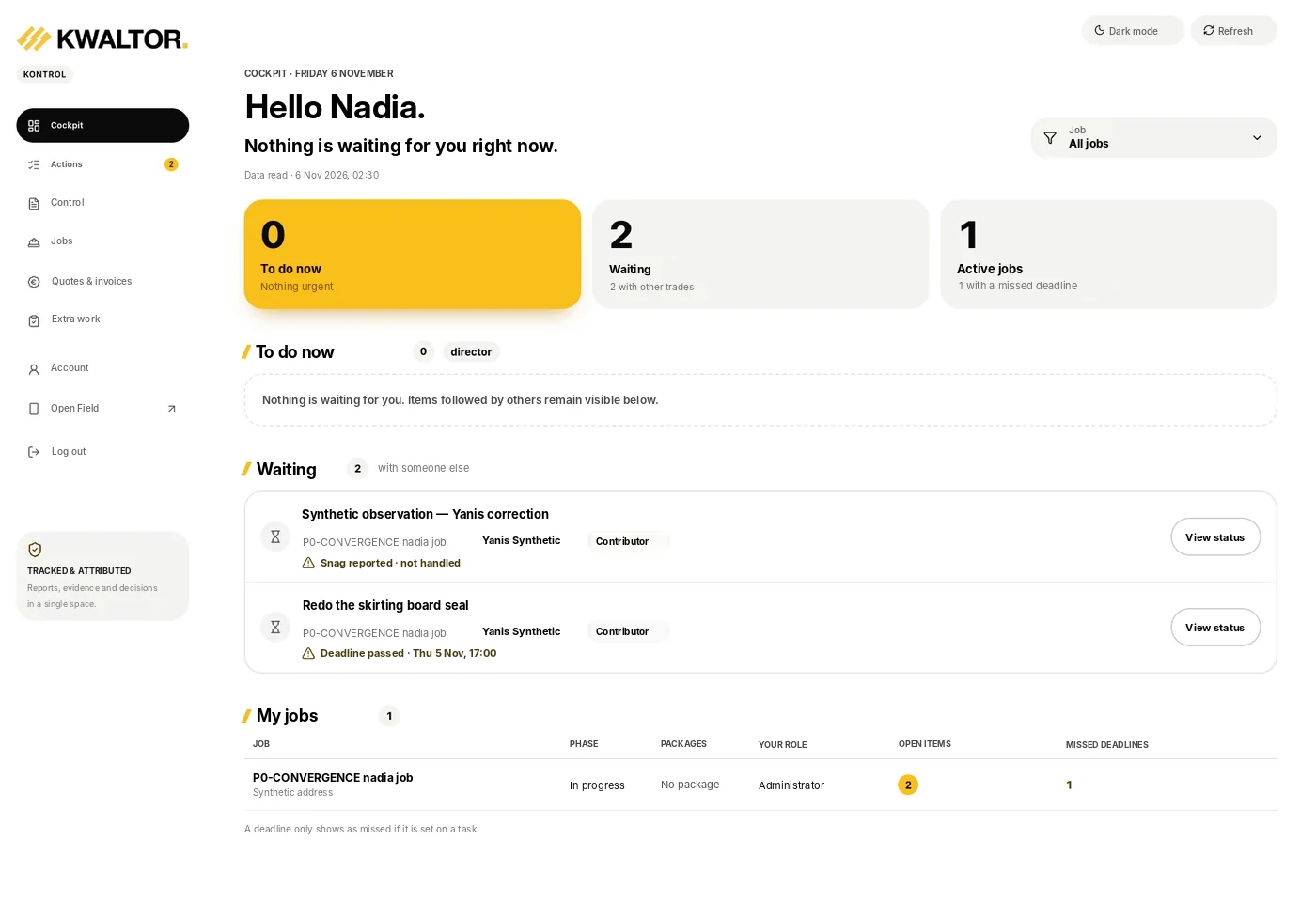
KWALTOR Kontrol
Your control centre to track what is moving, anticipate what is stuck and know where to act. Jobs, teams, interventions, decisions and finances: keep a complete view of your business, alone or as a team.
Explore Kontrol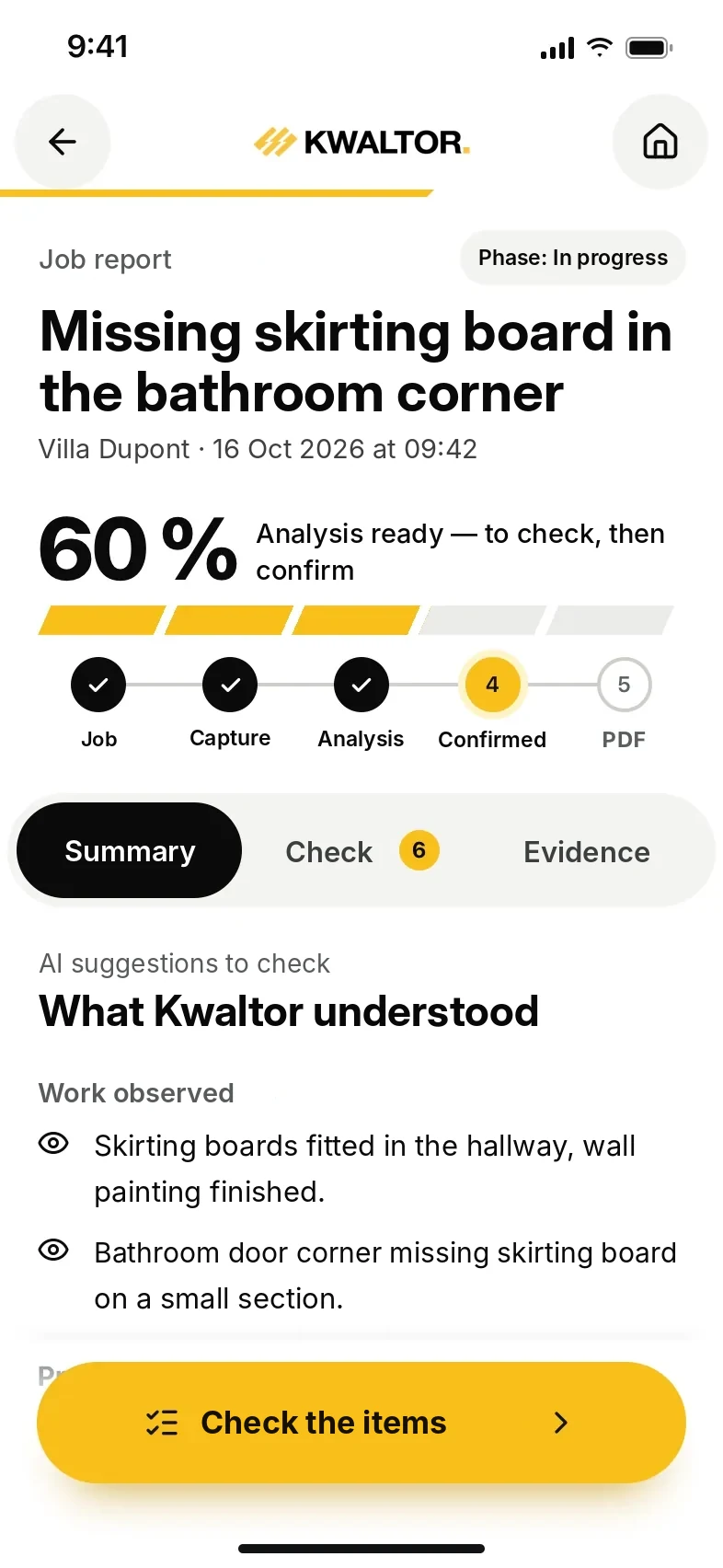
KWALTOR Intelligence
Without extra data entry, KWALTOR turns your photos, videos and words into usable information. It connects the facts, spots what deserves your attention and prepares reports, actions and work to be priced.
More about KWALTOR IntelligenceHow it works
A problem on site? KWALTOR helps you keep the right information and handle what comes next.
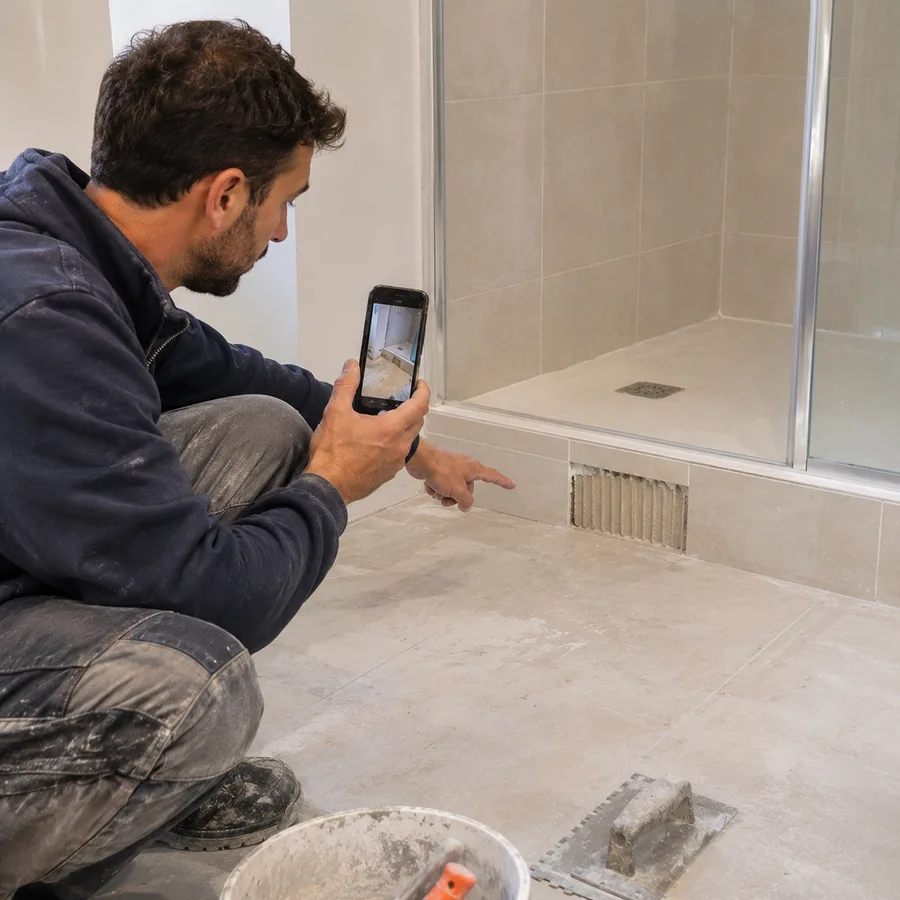
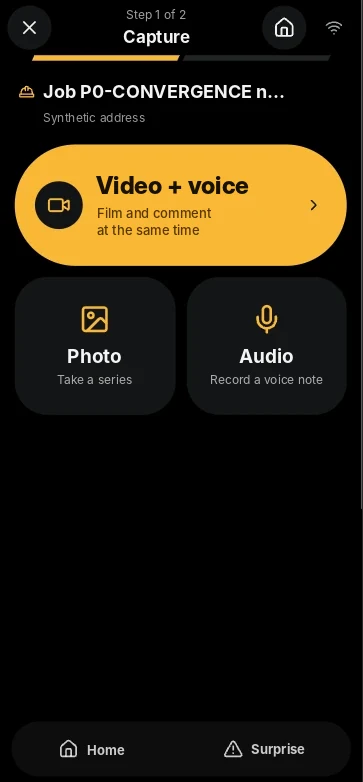
1Show
Take a photo, film or explain the problem in your own words. No need to write everything down.

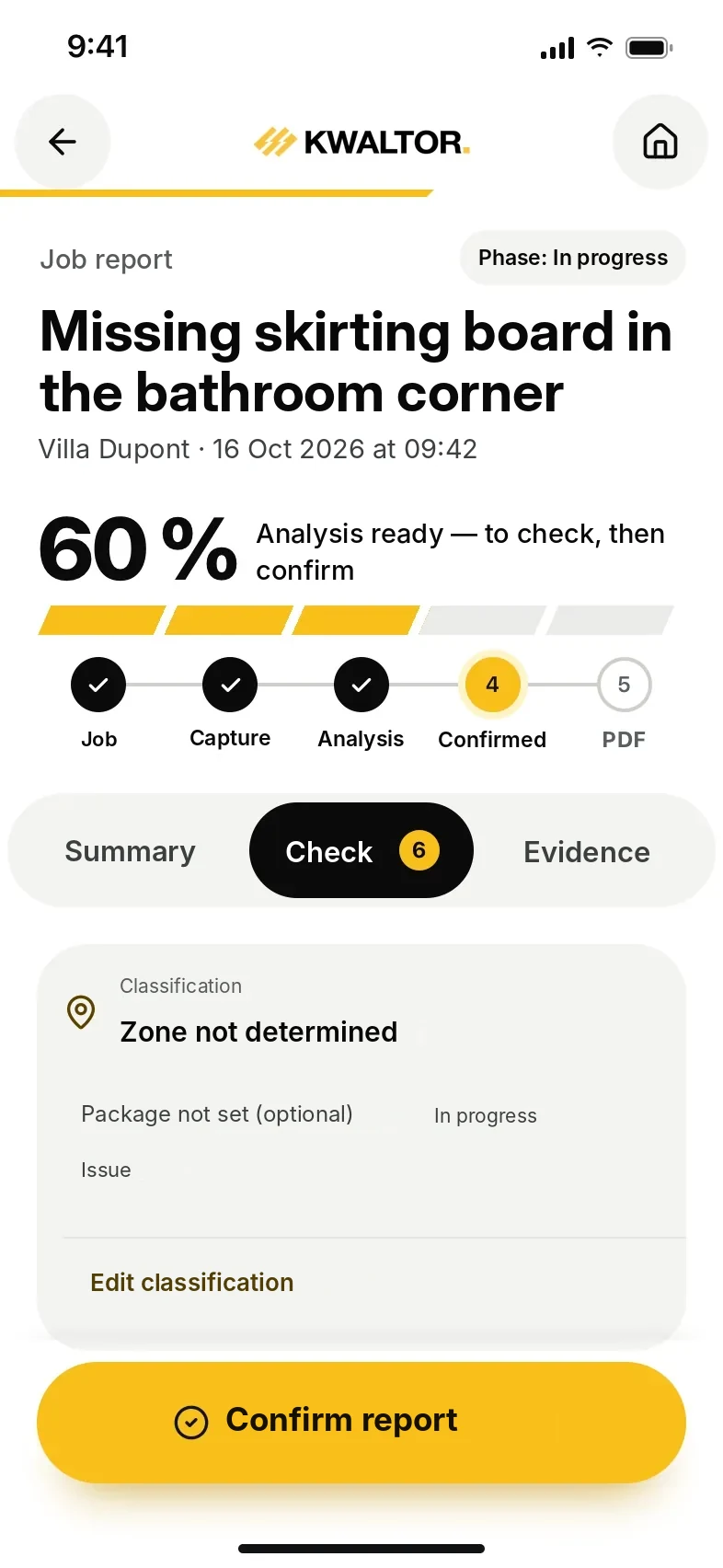
2Check
KWALTOR prepares the report from your photos and explanations. You review, correct and confirm.

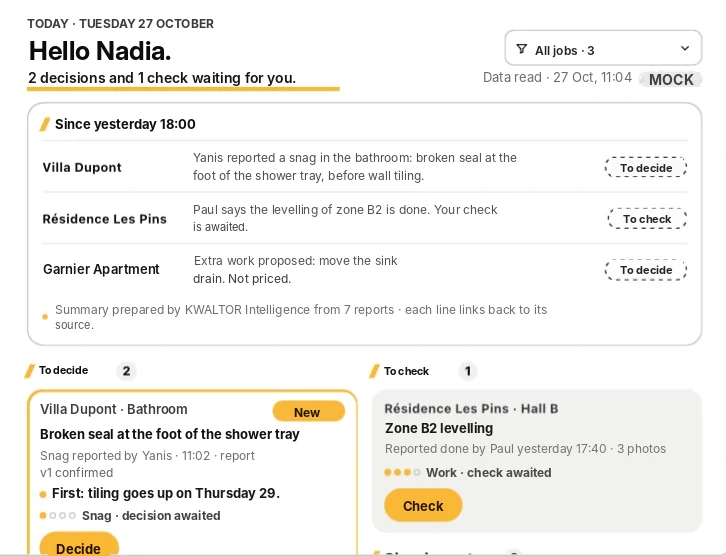
3move forward
Find the work to plan, the decisions made and what is left to invoice.
Plans and pricing
Do you work alone or with a team? Choose the plan that fits your business.

Plan 01
For those who work alone and also run their business.
€39excl. VAT / month
No commitment. Billed monthly.
Or €29 excl. VAT/month with yearly billing, i.e. €348 excl. VAT/year.
€29excl. VAT / month
With yearly billing, i.e. €348 excl. VAT/year.
Save €120 excl. VAT per year compared with monthly.
Or €39 excl. VAT/month on monthly billing, no commitment.
Included
1 professional user. All the essential tools: Field, Intelligence, Kontrol and sales management.

Plan 02
For those who work as a team and need to track several jobs.
€99excl. VAT / month
No commitment. Billed monthly.
Or €79 excl. VAT/month with yearly billing, i.e. €948 excl. VAT/year.
€79excl. VAT / month
With yearly billing, i.e. €948 excl. VAT/year.
Save €240 excl. VAT per year compared with monthly.
Or €99 excl. VAT/month on monthly billing, no commitment.
Included
3 professional users included. All Solo features, plus collaboration and multi-user management.
A real example
Found a worn hose under a washbasin? See how KWALTOR helps you follow this problem all the way to the invoice.
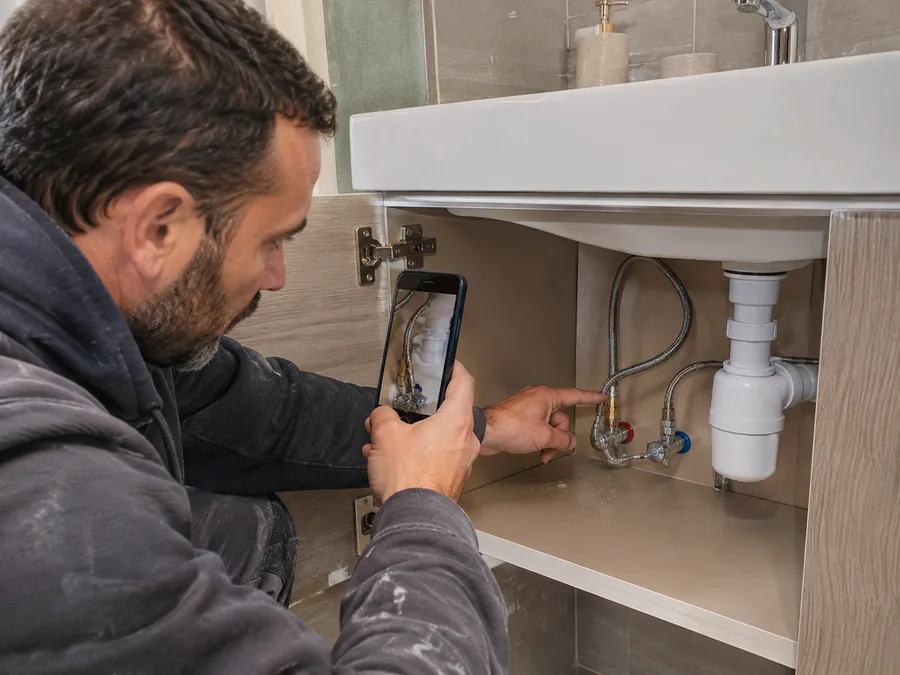
1The problem
You film the worn hose.
You explain what’s wrong in your own words. The images stay with the job.
Recorded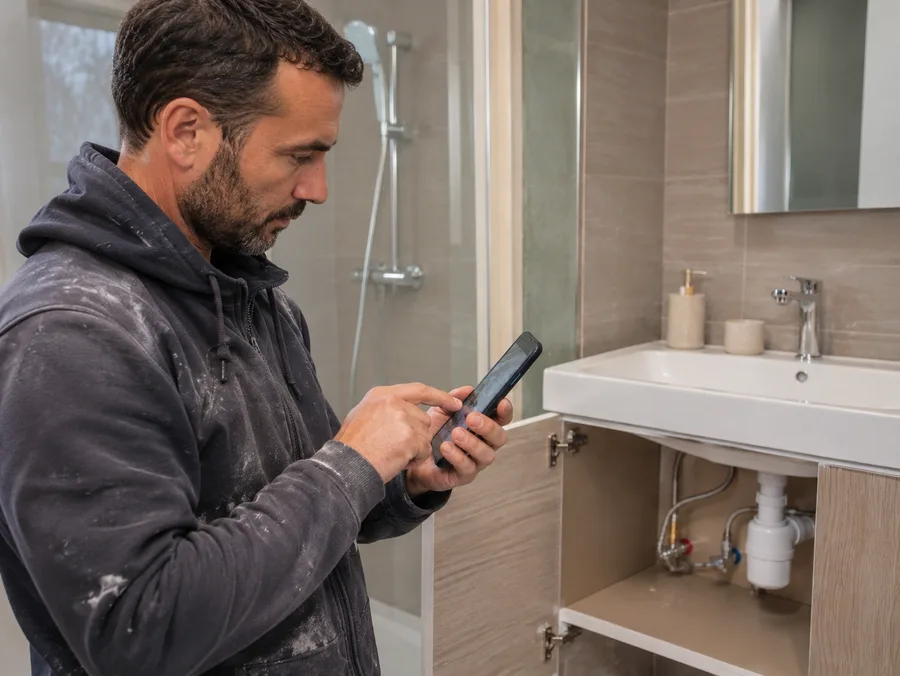
2The check
You review, then you confirm.
KWALTOR prepares the report. You specify that it’s the hot water and correct it if needed.
Checked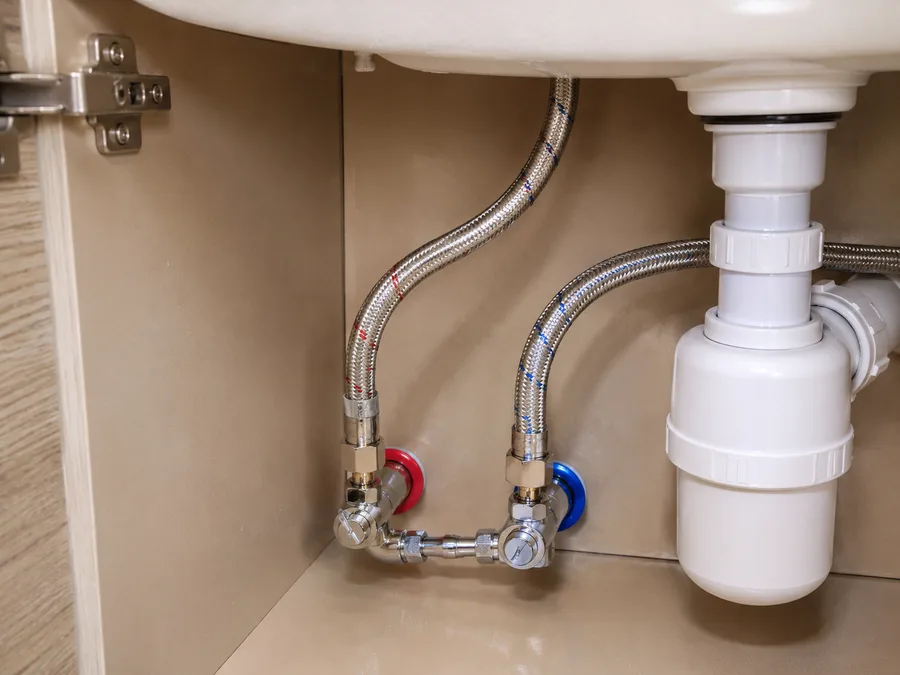
3The work and what follows
The client accepts. You do the work.
You propose the replacement. The client’s approval and the photo of the finished work are kept.
Accepted, done
4The invoice
Everything is ready to invoice.
The accepted quote, the completed work and the photos are all in one place. You check what needs invoicing.
To invoiceKWALTOR is built for construction professionals: plumbing, electrical, painting, masonry, tiling, heating… On site, you film, take photos or explain out loud what you see, from your phone. The demo starts from a situation in your trade.
Yes. The information is suggested, then checked by you. Every item can be corrected or removed before it is used to decide or share.
Solo, if you work alone and also run your business. Small business / SME, if several people work on, document or coordinate your jobs. If in doubt, say so in your request: we will look together at what fits your business.
You fill in the form, and we get back to you to arrange a time. We start from a situation in your trade to show you the journey, from the capture on site to the follow-up. There is no commitment.
Book a demo
Discover how KWALTOR helps you track your work, your decisions and what is left to invoice.
Preview: request not sent
Your request has not been sent.
This version of the site is a preview: the form is not yet connected. The information you entered has not left your browser.
Thank you, your request has been sent.
We will get back to you to arrange a demo time, based on a situation from your trade.